Steeds vaker komen we op smartphones en tablet-computers het besturingssysteem Android tegen. Het aantal toepassingsprogramma's - de zogenaamde applicaties of kortweg apps - waarmee de apparaten individueel aan de voorkeuren en wensen van de gebruiker kunnen worden aangepast, neemt van dag tot dag toe. En de steeds betere technische uitvoering en uitrusting van de apparaten maken het nu mogelijk toepassingen te 'draaien' waarvoor een paar jaar geleden nog een desktop-PC of speciale hardware vereist was. Inmiddels kan elke smartphone de exacte (geografische) positie bepalen, video's opnemen - en nog veel meer. Maar bij het individualiseren van onze smartphone hoeven we ons niet te beperken tot kant-en-klare applicaties! Het is namelijk helemaal niet zo moeilijk om zelf Android-apparaten te programmeren en eigen apps te schrijven. Dit boek vormt een inleiding tot het programmeren van apps voor Android-apparaten. De werking van het Android-systeem wordt op begrijpelijke manier uitgelegd en we zien stap voor stap hoe applicaties kunnen worden geprogrammeerd. Aan de hand van een groot aantal voorbeelden worden allerlei toepassingsmogelijkheden getoond. Het scala loopt van eenvoudige rekenprogramma's via het uitlezen van sensoren en GPS-data tot het programmeren van applicaties voor internetcommunicatie. Naast het schrijven van applicaties in de programmeertaal Java wordt in dit boek ook besproken hoe apps met behulp van Javascript of PHP-scripts kunnen worden geprogrammeerd.
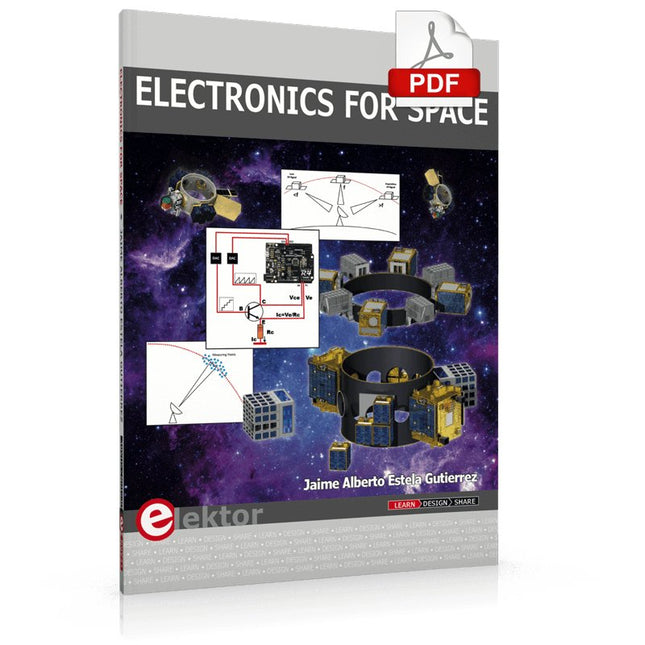
Space, the final frontier, will become more and more popular. The space industry is continually growing and new products and services will be required. Innovation is needed for the development of this industry. Today it is no longer possible to follow all the events in field of space. The space market is growing and activities are increasing, especially the market for small-satellites.
This book wants to help close the gap and encourage electronic engineers to enter into the fascinating field of space electronics. One of the main difficulties is finding people with knowledge of space electronics design. Nowadays companies have to invest a lot of time and resources to instruct electronic engineers with no experience of space. Only a brief and basic introduction of this topic is typically achieved at university in space engineering lectures. Professionals with practical experience and the necessary theoretical knowledge are scarce. Companies from the space sector are searching for staff with knowledge of space electronics.
This book will bring space closer aspiring to the space electronic hobbyists.
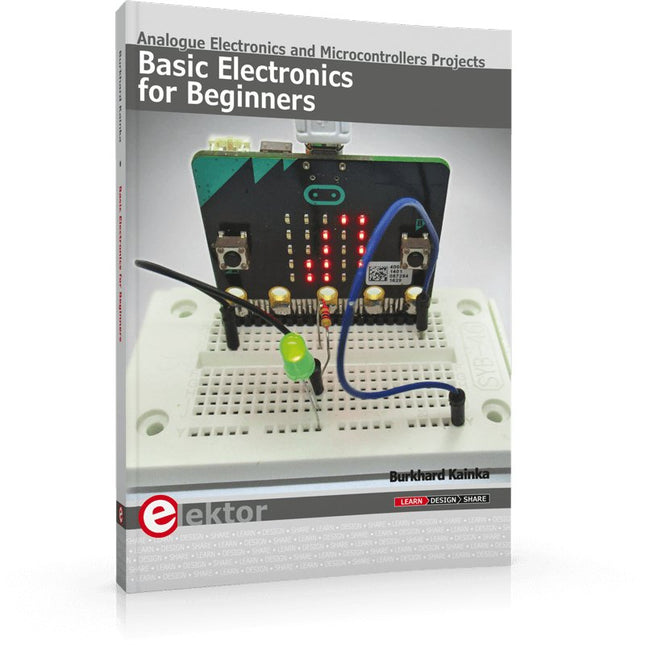
Analogue Electronics and Microcontrollers Projects
Hobbyist electronics can be a fun way to learn new skills that can be helpful to your career. Those who understand the basics of electronics can design their own circuits and projects. However, before you run, you need to learn to walk.
It all starts with analogue electronics. You should be familiar with the simple components and circuits and understand their basic behaviors and the issues you may encounter. The best way to do this is through real experiments. Theory alone is not enough. This book offers a large number of practical entry-level circuits, with which everyone can gain the basic experience.
Through the widespread introduction of microcontrollers, a new chapter in electronics has begun. Microcontrollers are now performing more and more tasks that were originally solved using discrete components and conventional ICs. Starting out has become easier and easier thanks to platforms including Bascom, Arduino, micro:bit. The book introduces numerous manageable microcontroller applications. It’s now a case of less soldering and more programming.
50+ Android Apps with Raspberry Pi, ESP32 and Arduino
This book is about developing apps for Android compatible mobile devices using the MIT App Inventor online development environment. MIT App Inventor projects can be in either standalone mode or use an external processor. In standalone mode, the developed application runs only on the mobile device (e.g. Android). In external processor-based applications, the mobile device communicates with an external microcontroller-based processor, such as Raspberry Pi, Arduino, ESP8266, ESP32, etc.
In this book, many tested and fully working projects are given both in standalone mode and using an external processor. Full design steps, block programs, circuit diagrams, QR codes and full program listings are given for all projects.
The projects developed in this book include:
Using the text-to-speech component
Intonating a received SMS message
Sending SMS messages
Making telephone calls using a contacts list
Using the GPS and Pin-pointing our location on a map
Speech recognition and speech translation to another language
Controlling multiple relays by speech commands
Projects for the Raspberry Pi, ESP32 and Arduino using Bluetooth and Wi-Fi
MIT APP Inventor and Node-RED projects for the Raspberry Pi
The book is unique in that it is currently the only book that teaches how to develop projects using Wi-Fi and Node-RED with MIT App Inventor. The book is aimed at students, hobbyists, and anyone interested in developing apps for mobile devices.
All projects presented in this book have been developed using the MIT App Inventor visual programming language. There is no need to write any text-based programs. All projects are compatible with Android-based mobile devices. Full program listings for all projects as well as detailed program descriptions are given in the book. Users should be able to use the projects as they are presented, modifying them to suit their own needs.
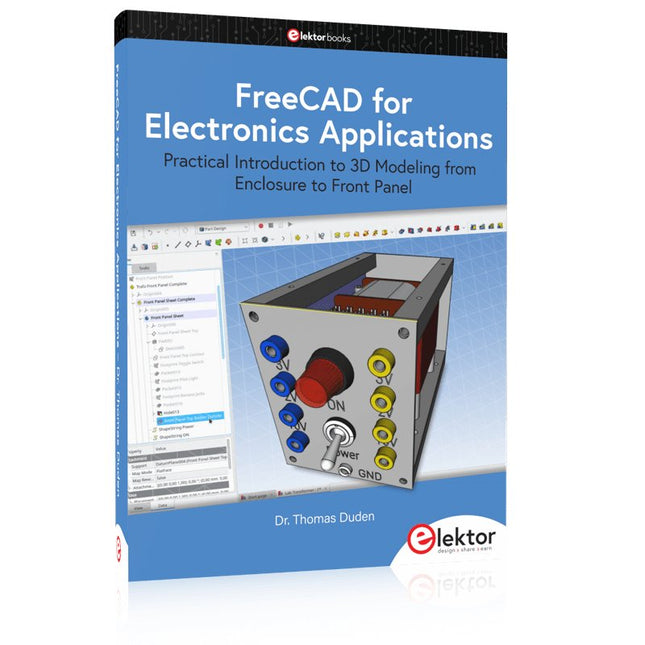
Practical Introduction to 3D Modeling from Enclosure to Front Panel
Embedding a vintage component, creating a professional looking home for a circuit board, or even designing a complex apparatus complete with a chassis – these and many other challenges turn into a stimulating pleasure with FreeCAD. Once you have internalized the basic processes, there are virtually no limits to your imagination.
Starting to use a new software is never straightforward – especially with a tool as versatile as FreeCAD. Manageable, but at the same time easily usable individual components provide the starting point in this book. Putting these components together later results in assemblies.
In the FreeCAD universe, a workable trajectory is demonstrated. The described procedure is illustrative so the examples are easily applied to custom tasks. The devices were made by the author and illustrated with photos.
Creating a 3D design is requiring some effort but the initial investment pays off soon. Besides the impressive spatial representation of the projects, the extracted drawings yield a solid base for documentation and production. Extended FreeCAD capabilities like the unfolding of sheet metal parts enormously add to efficiency and pushes models forward into practical assembly.
Soon you will definitely not want to do without FreeCAD!
De werking van veruit de meeste moderne elektronische apparaten is niet slechts op één enkel principe gebaseerd. Vaak staat een of andere computer (doorgaans een microcontroller) centraal. Uit deze fundamentele opzet – een computer die is ingebed in een bepaalde toepassingsschakeling – is de algemene benaming Embedded Systems voortgekomen. De meeste van deze systemen moeten vanuit het niets worden ontwikkeld, en daarbij komt het op elk detail aan. Vindingrijkheid en veelzijdigheid zijn dan een vereiste. De problemen die opgelost moeten worden, vormen niet zelden een ware uitdaging en betreffen niet alleen de analoge en digitale elektronica maar ook de systeemarchitectuur, programmering en programma-organisatie. De delen van deze reeks zijn geschreven voor iedereen – leerling, student of beginnend elektronicus – die zich terdege wil bekwamen in de professionele hardware- en systeemontwikkeling. En ze richten zich tot de allround-elektronicus die geen tijd heeft om specialist op een van de vele deelgebieden te worden maar die weet dat hij met standaard huis-, tuin- en keukenoplossingen niet ver komt. Ze bieden wat studenten en professionele elektronici nodig hebben: een opfrissing en verdieping van de basiskennis, een bron van inspiratie en een schat aan details en spitsvondigheden. Dit deel behandelt de passieve componenten: vaste weerstanden • instelbare weerstanden • NTC- en PTC-weerstanden • spanningsafhankelijke weerstanden • condensatoren • spoelen • transformatoren • contactelementen Andere delen in deze reeks: Digitale technieken • Hard- en software • Signaalwegen • Basisschakelingen
De iFixit Essential Electronics Toolkit is precies wat u nodig heeft voor de meest essentiële elektronische reparaties – zoals het vervangen van schermen en batterijen – én voor de meeste doe-het-zelfklussen in en om het huis.
Ga direct aan de slag met elektronica reparaties dankzij alle bits en precisiegereedschappen die u nodig heeft om uw meest urgente schermbreuken en batterijvervangingen aan te pakken. Of breid eenvoudig uw doe-het-zelfgereedschap voor thuis uit met alles wat u nodig heeft voor het onderhouden van deurknoppen, huishoudelijke apparaten, brillen en nog veel meer.
Kit bevat
Magnetized Driver Handle
Angled Precision Tweezers
Spudger
Jimmy
iFixit Opening Tool
iFixit Opening Picks set of 6
Suction Handle
Easy-to-Open Magnetized Case
Lid with Built-in Sorting Tray
Sixteen 4mm Precision Screwdriver Bits
Phillips - 000, 00, 0, 1
Pentalobe - P2, P5
Flathead - 1 mm, 2.5 mm, 4 mm
Torx - T4, T5
Torx Security - TR6, TR8, TR10
Tri-Point - Y000
SIM Eject Bit
Specificaties
Bit Metal: 6150 Steel
Driver Material: Polymer
Case Material: ABS
Foam: EVA
De LuckFox Pico Ultra is een compacte single-board computer (SBC) die wordt aangestuurd door de Rockchip RV1106G3-chipset, ontworpen voor AI-verwerking, multimedia en low-power embedded-toepassingen.
Hij is uitgerust met een ingebouwde 1 TOPS NPU, waardoor hij ideaal is voor edge AI-werklasten. Met 256 MB RAM, 8 GB onboard eMMC-opslag, geïntegreerde wifi en ondersteuning voor de LuckFox PoE-module levert het bord zowel prestaties als veelzijdigheid in een breed scala aan use cases.
De LuckFox Pico Ultra draait op Linux en ondersteunt verschillende interfaces, waaronder MIPI CSI, RGB LCD, GPIO, UART, SPI, I²C en USB. Dit biedt een eenvoudig en efficiënt ontwikkelplatform voor toepassingen in smart home, industriële besturing en IoT.
Specificaties
Chip
Rockchip RV1106G3
Processor
Cortex A7 1,2 GHz
Neurale netwerkprocessor (NPU)
1 TOPS, ondersteunt int4, int8, int16
Beeldprocessor (ISP)
Max. invoer 5M @30fps
Geheugen
256 MB DDR3L
WiFi + Bluetooth
2,4GHz WiFi-6 Bluetooth 5.2/BLE
Camera-interface
MIPI CSI 2-lane
DPI-interface
RGB666
PoE-interface
IEEE 802.3af PoE
Luidsprekerinterface
MX1,25 mm
USB
USB 2.0-host/apparaat
GPIO
30 GPIO pinnen
Ethernet
10/100M Ethernet-controller en ingebedde PHY
Standaardopslagmedium
eMMC (8 GB)
Inbegrepen
1x LuckFox Pico Ultra W
1x LuckFox PoE module
1x IPX 2.4G 2 db-antenne
1x USB-A naar USB-C kabel
1x Schroevenpakket
Downloads
Wiki
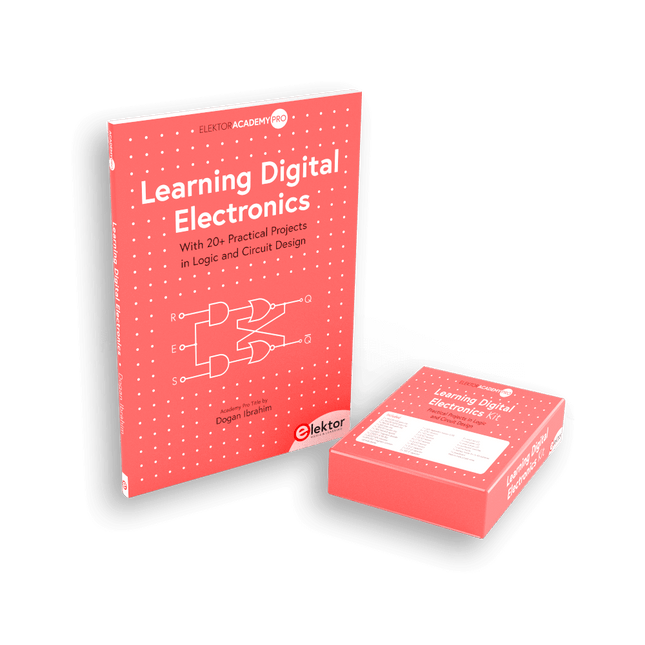
Beheers digitale elektronica – op een praktische manier!
Deze bundel bevat het boek Learning Digital Electronics met meer dan 20 praktische projecten in logica- en schakelingontwerp, evenals een 100-delige starterkit – zodat u meteen aan de slag kunt met het bouwen van logische schakelingen, tellers, displays en meer.
Learning Digital Electronics (Boek)
Dit boek is een praktische gids voor digitale elektronica en behandelt de essentiële componenten van moderne digitale systemen: getallensystemen, logische poorten, Booleaanse algebra, combinatorische en sequentiële logica, en meer.
Via meer dan 20 gestructureerde projecten ontwerp en bouw je digitale systemen met behulp van echte componenten zoals logische poorten, multiplexers, decoders, flipflops, tellers en schuifregisters. De projecten variëren van eenvoudige LED-logicacircuits tot digitale sloten, displaysystemen, verkeerslichtcontrollers en timinggebaseerde ontwerpen.
Geselecteerde projecten introduceren het gebruik van tools zoals CircuitVerse voor circuitsimulatie, terwijl verschillende ontwerpen gebruikmaken van logische componenten uit de 74HC-serie, die veel worden gebruikt bij het maken van digitale hardwareprototyping.
Binnenin vindt u:
Duidelijke uitleg over getallensystemen en binaire rekenkunde
Fundamentele principes van logische poorten en universele poortimplementaties
Stapsgewijze projecten met flipflops, tellers en registers
Real-world ontwerp met 74HC-serie logische chips
Technieken voor het ontwerpen van combinatorische en sequentiële systemen
Dit boek hanteert een ontwerpgerichte, toepassingsgerichte benadering van digitale elektronica – opgebouwd rond werkende circuits, geteste logica en praktische experimenten.
Learning Digital Electronics (Kit)
Deze kit is speciaal ontwikkeld als aanvulling op het boek "Learning Digital Electronics". Omdat alle benodigde componenten zijn inbegrepen, kunt u elk praktisch project in het boek direct uitvoeren.
Inhoud van de kit
2x 74HC08 EN-poortchip
2x 74HC00 NAND-poortchip
1x 74HC86 XOR-poortchip
1x 555 timerchip
1x 74HC161 tellerchip
1x 74HC164 schuifregister
1x CD4511 7-segments decoder
1x CD4027 JK flipflop
1x BC337 NPN-transistor
1x KPS-5161 7-segments gemeenschappelijke-kathodedisplay
1x lichtgevoelige weerstand (LDR)
4x 10 KΩ-weerstanden
8x 1 KΩ weerstand
2x 47 KΩ-weerstanden
1x 100 KΩ weerstand
4x 2,7 KΩ-weerstanden
1x 5,6 KΩ weerstand
1x 150 KΩ weerstand
1x 10 μF condensator
2x 0,01 μF condensator
2x 100 nF condensator
8x Kleine rode LED
1x Kleine groene LED
1x Kleine oranje LED
4x Drukknopschakelaars
1x Actieve zoemer
1x Batterijhouder voor 3x AA-batterijen (batterijen niet inbegrepen)
1x Breadboard
40x Male-to-male jumperdraden (lengte: 200 mm)
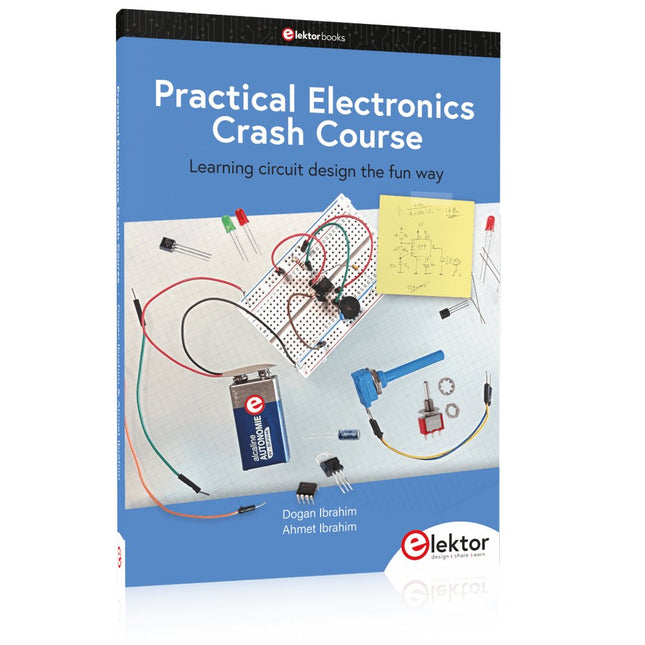
Learning circuit design the fun way
Welcome to the world of electronics!
Getting started in electronics is not as difficult as you may think. Using this book, you will explore and learn the most important electrical and electronics engineering concepts in a fun way by doing various experiments and by simulating circuits. It will teach you electronics practically without getting into complex technical jargon and long calculations. As a result, you will be creating your own projects soon.
No prior knowledge of electronics is required, only some basic algebra is used in a few simple calculations. Many tested and working projects and simulations are presented to familiarise yourself with the construction of electronic circuits. Circuit simulation is introduced at an early stage to enable you to experiment with circuits easily without breaking anything.
You will learn:
The concepts of voltage, current, and power
AC and DC
Basic lamp circuits with switches
Passive components: resistors, capacitors & inductors
RC & RCL circuits
Electromagnetism
Loudspeakers, relays, buzzers, and transformers
Active components: diodes & LEDs, bipolar transistors & MOSFETs
Transistor-based switching circuits
Optocoupler circuits
Astable & monostable multivibrators
Using the 555 timer IC
The operational amplifier
Digital logic
Advanced examples: amplifiers, oscillators, filters, and sensors
Test and measurement tools
Microcontrollers: Arduino UNO, ESP32, Raspberry Pi Pico, and Raspberry Pi
Reading datasheets and best practices for selecting components
EMC & EMI and norms & regulations
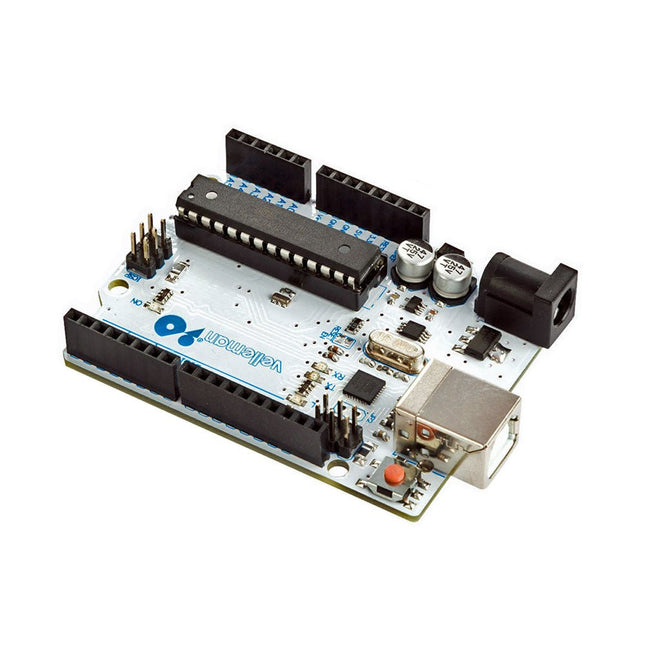
Het ATmega328 Uno Development Board (compatibel met Arduino Uno) is een microcontrollerbord gebaseerd op de ATmega328.
Hij heeft 14 digitale in-/uitgangspinnen (waarvan 6 kunnen worden gebruikt als PWM-uitgangen), 6 analoge ingangen, een 16 MHz keramische resonator, een USB-aansluiting, een stroomaansluiting, een ICSP-header en een resetknop.
Het bevat alles wat nodig is om de microcontroller te ondersteunen; sluit hem aan op een computer met een USB-kabel of voorzie hem van stroom met een AC-naar-DC-adapter of batterij om aan de slag te gaan.
Specificaties
Microcontroller
ATmega328
Bedrijfsspanning
5 V gelijkstroom
Ingangsspanning (aanbevolen)
7-12 V gelijkstroom
Ingangsspanning (limieten)
6-20 V gelijkstroom
Digitale I/O-pinnen
14 (waarvan 6 PWM-uitvoer leveren)
Analoge ingangspinnen
6
SRAM
2 kB (ATmega328)
EEPROM
1 kB (ATmega328)
Flash-geheugen
32 kB (ATmega328) waarvan 0,5 kB gebruikt door bootloader
Kloksnelheid
16 MHz
Downloads
Manual
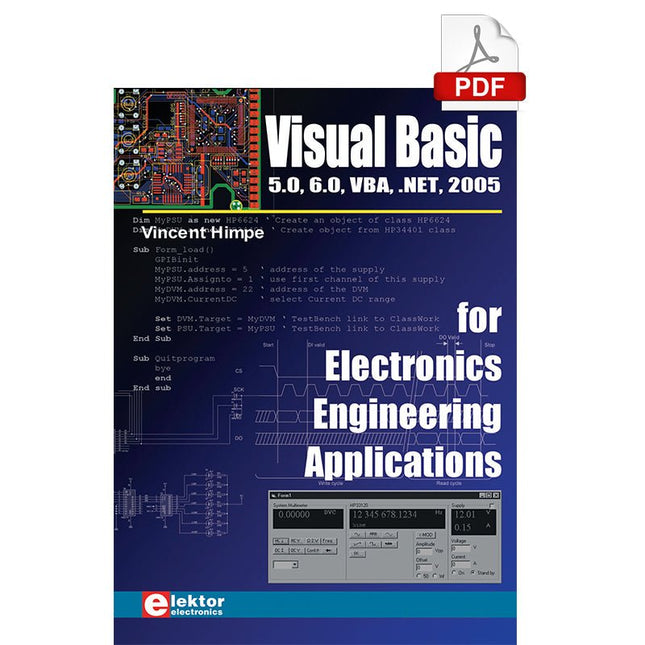
The PC has long-time outgrown its function as a pure computer and has become an all-purpose machine. This book is targeted towards those people that want to control existing or self-built hardware from their computer. Using Visual Basic as Rapid Application Development tool we will take you on a journey to unlock the world beyond the connectors of the PC. After familiarising yourself with Visual Basic, its development environment and the toolset it offers, items such as serial communications, printer ports, bit-banging, protocol emulation, ISA, USB and Ethernet interfacing and the remote control of test-equipment over the GPIB bus, are covered in extent. Each topic is accompanied by clear, ready to run code, and where necessary, schematics are provided that will get your projects up to speed in no time. This book will show you advanced things like: using tools like Debug to find hardware addresses, setting up remote communication using TCP/IP and UDP sockets and even writing your own internet servers. Or how about connecting your own block of hardware over USB or Ethernet and controlling it from Visual Basic. Other things like internet-program communication, DDE and the new graphics interface of Windows XP are covered as well. All examples are ready to compile using Visual Basic 5.0, 6.0, NET or 2005. Extensive coverage is given on the differences between what could be called Visual Basic Classic and Visual basic .NET / 2005.